Email Bounce Rate and Spam Complaints: Causes and Prevention
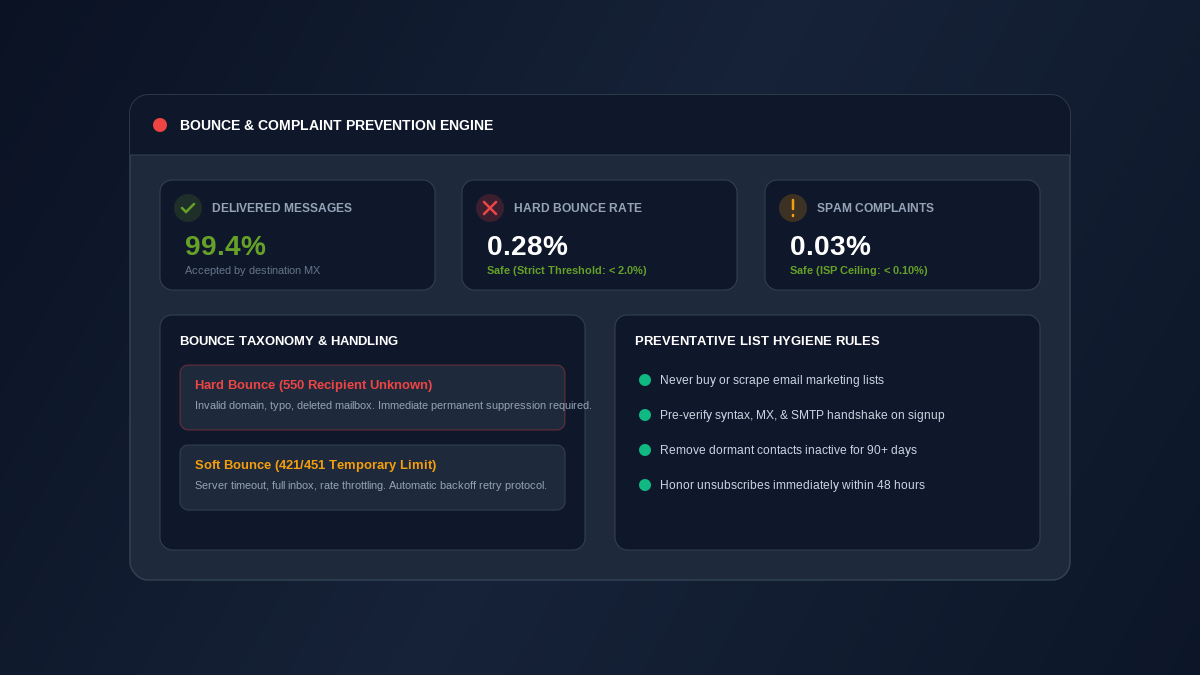
Direct Answer: An email bounce occurs when an outgoing message is rejected by the destination mail server. Hard bounces (permanent 5xx errors) indicate invalid or non-existent mailboxes and must be suppressed immediately. Spam complaints occur when recipients actively mark an email as junk. Both metrics directly erode your sender reputation, with industry standards requiring hard bounces below 1% and spam complaints below 0.10%.
Hard Bounces (5xx) vs. Soft Bounces (4xx)
SMTP response codes distinguish between temporary and permanent delivery failures:
| Failure Category | SMTP Code Range | Root Causes | Required Action |
|---|---|---|---|
| Hard Bounce | 550, 551, 552, 554 |
Mailbox does not exist, recipient domain has no MX records, recipient address has a syntax error. | Immediate Permanent Suppression: Never retry sending to this address. |
| Soft Bounce | 421, 450, 451, 452 |
Recipient mailbox is temporarily full, destination server is experiencing rate limits, temporary connection timeout. | Automated Retry: Re-attempt delivery with exponential backoff across 24 to 72 hours. |
Common Reasons for Email Delivery Failures
- Typographical Errors: Prospects mistyping their address on lead capture forms (e.g.
[email protected]instead ofgmail.com). - Employee Turnover: B2B contacts who have changed jobs, resulting in deactivated corporate mailboxes.
- Catch-All Servers Dropping Mail: Some corporate servers accept all mail at the gate but bounce or silently discard messages later during internal routing.
- Disposable / Temporary Inboxes: Users utilizing temporary 10-minute mail services to claim lead magnets before abandoning the address.
What a Spam Complaint Communicates to ISPs
A spam complaint is the strongest negative signal in modern deliverability. When a recipient clicks "Report Spam" in Gmail, Outlook, or Apple Mail, they inform the mailbox provider that:
- They did not give permission to receive the message.
- The message is irrelevant, deceptive, or aggressive.
- The sender did not provide a functional, visible unsubscribe mechanism.
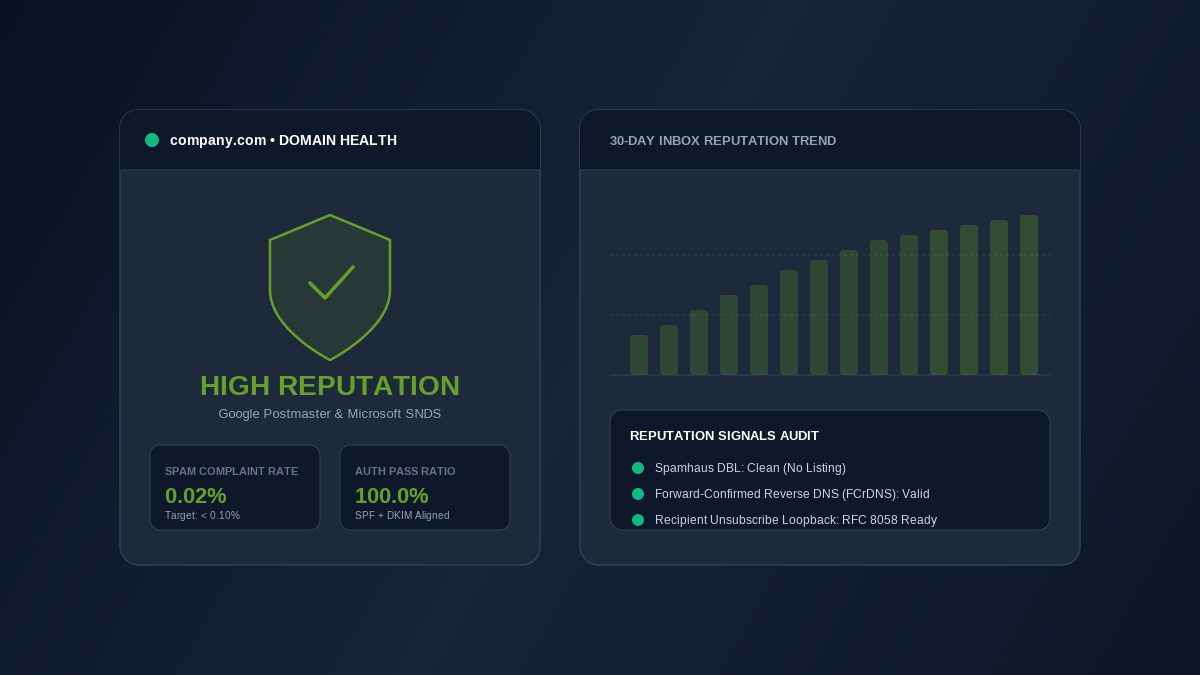
If your spam complaint rate exceeds 0.10% (1 complaint per 1,000 sent), Google and Yahoo will flag your domain. If it reaches 0.30%, your emails will be automatically redirected to the junk folder. Learn more in our Gmail Sender Requirements guide.
How Poor Recipient Data Destroys Sender Reputation
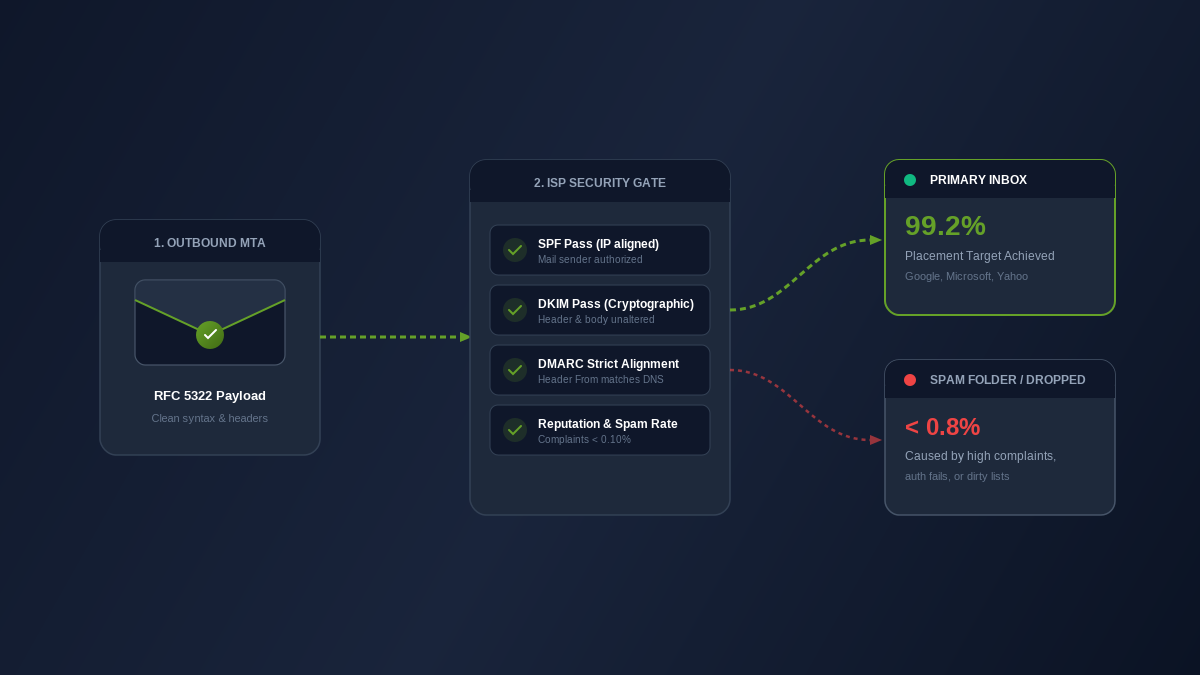
Mailbox providers correlate high bounce rates with abusive sending patterns. Spammers typically harvest millions of addresses from websites or guess addresses via dictionary attacks, resulting in bounce rates exceeding 10%.
When an otherwise legitimate business sends to an unverified database and incurs a 4% bounce rate, the provider's automated anti-abuse algorithms cannot distinguish the business from a spam syndicate. The domain reputation drops, triggering deferrals and spam folder placement for all future emails, including critical transactional messages. See our deep dive on Email Domain Reputation.
Why Purchased and Harvested Lists Create Disasters
Purchased lists are universally infested with spam traps:
- Pristine Traps: Email addresses registered by security services like Spamhaus that are published only in hidden web pages to catch scrapers. A single hit can blacklist your sending domain globally.
- Recycled Traps: Addresses abandoned for over a year that were re-enabled by providers to catch senders who neglect list hygiene.
Automated Suppression Lists and Unsubscribe Handling
To protect deliverability, your sending infrastructure must implement an automated Master Suppression List (MSL):
- Any address that returns a hard bounce must be added to the suppression list automatically.
- Unsubscribe requests must be synchronized globally across all outreach and marketing systems within 48 hours.
- Soft bounces that fail repeatedly across 72 hours should be converted to hard bounces and suppressed.
Building Permission-Based Lists That Never Bounce
The solution to high bounce rates is proactive pre-send verification:
- Real-Time API Verification at Form Capture: Validate visitor email syntax and MX records directly in your signup forms using our REST Verification API.
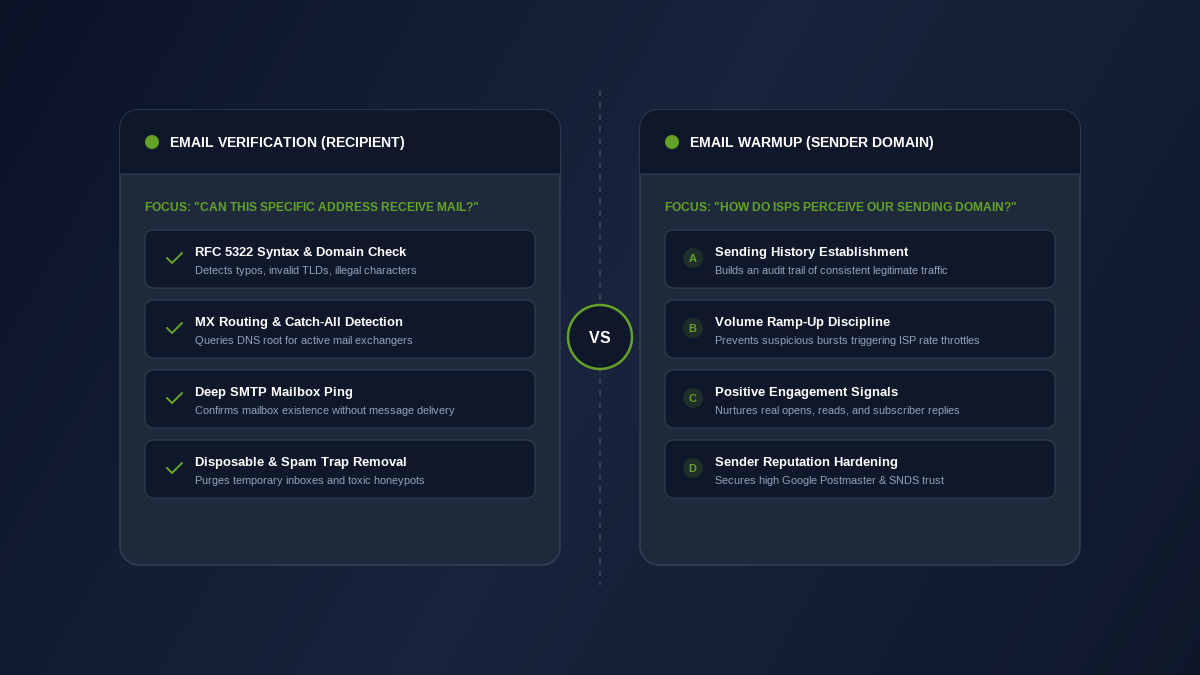
- Bulk Cleaning Before Campaigns: Run historical contact files through Emails Verification bulk cleaning to identify dead mailboxes, catch-all domains, and disposable addresses before dispatching.
- Enforce Double Opt-In: Confirm that the user can actively receive mail and wants your content.
Stop Hard Bounces Before They Damage Your Reputation
Clean your contact database with 99%+ accuracy. Emails Verification tests MX records, verifies RFC syntax, and runs deep socket SMTP handshakes without ever sending a test message.
Clean Your Email List Now ➔Frequently Asked Questions
Should I ever retry sending to an address that returned a hard bounce?
Never. An RFC 550 hard bounce indicates permanent non-existence (such as a deleted user account, typo in domain name, or inactive mail server). Repeatedly attempting delivery to a hard-bounced address signals to mailbox providers that you do not maintain list hygiene, leading directly to IP and domain throttling.
What is an acceptable email bounce rate in 2026?
An industry-standard healthy bounce rate is under 1.0% (and ideally below 0.5%). If your bounce rate exceeds 2.0%, major providers like Google Workspace and Microsoft 365 will flag your outbound campaigns for automated rate-limiting or junk-folder diversion.
How do mailbox providers track spam complaints when emails are encrypted?
When a user clicks 'Report Spam' in webmail interfaces (like Gmail or Yahoo), the email provider records the event internally against the sender's authenticated DKIM domain (d=) and IP address. Providers also share this telemetry with verified domain owners through Feedback Loops (FBL) and Google Postmaster Tools.